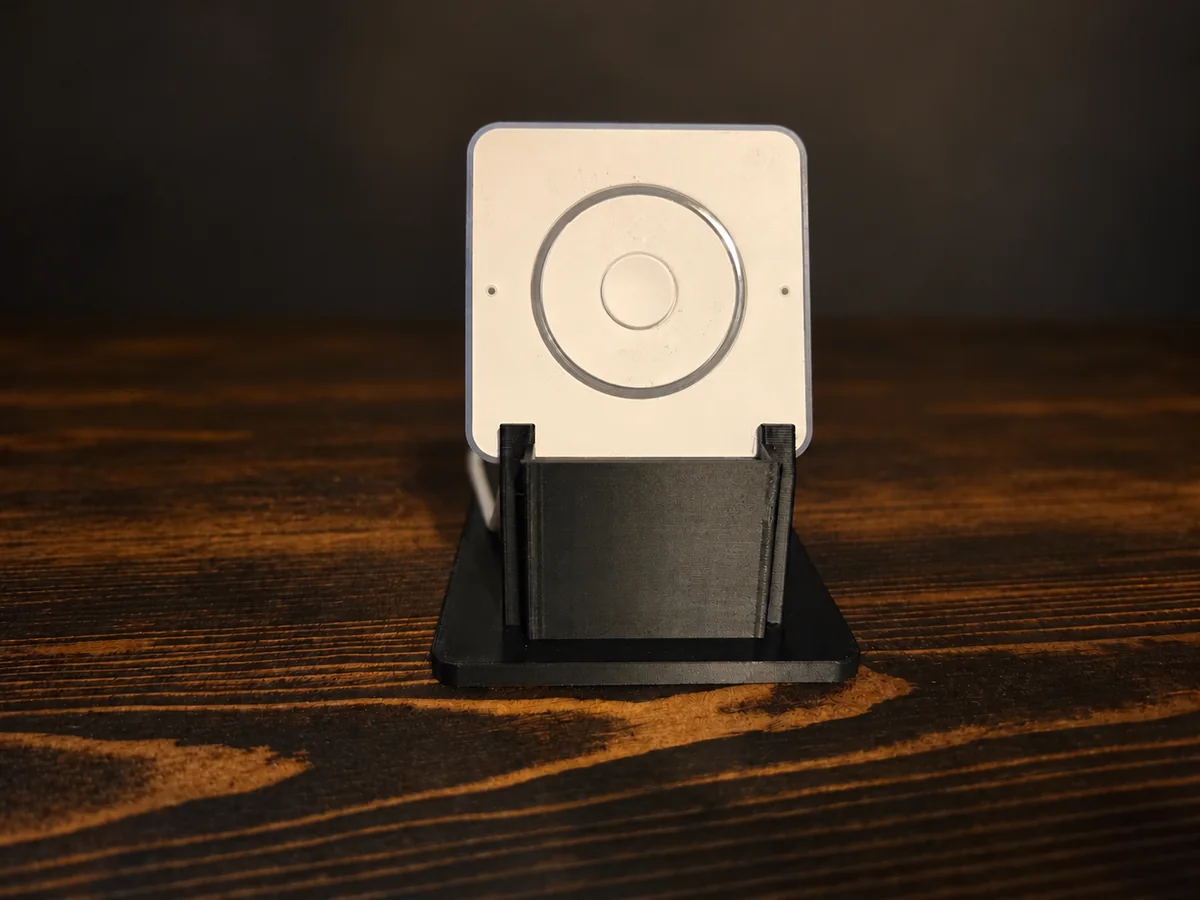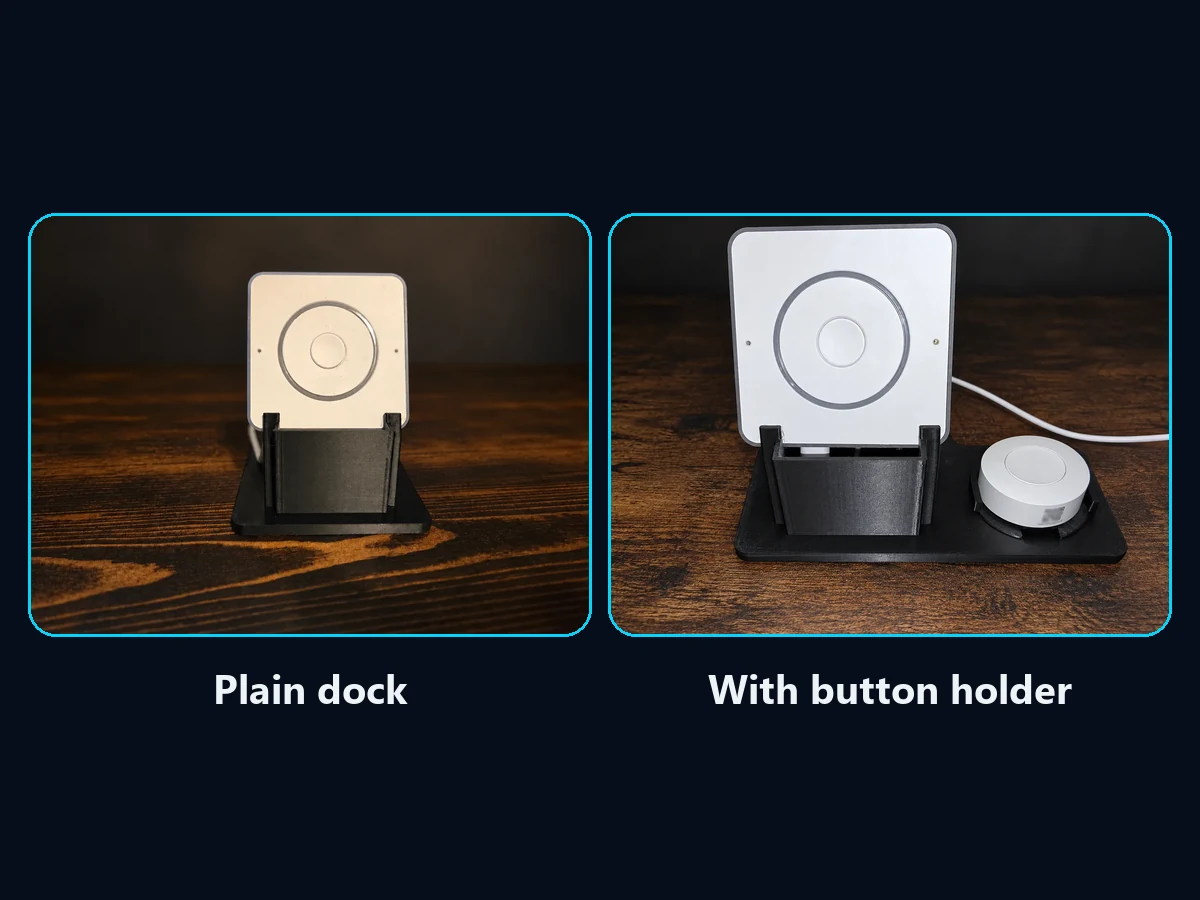
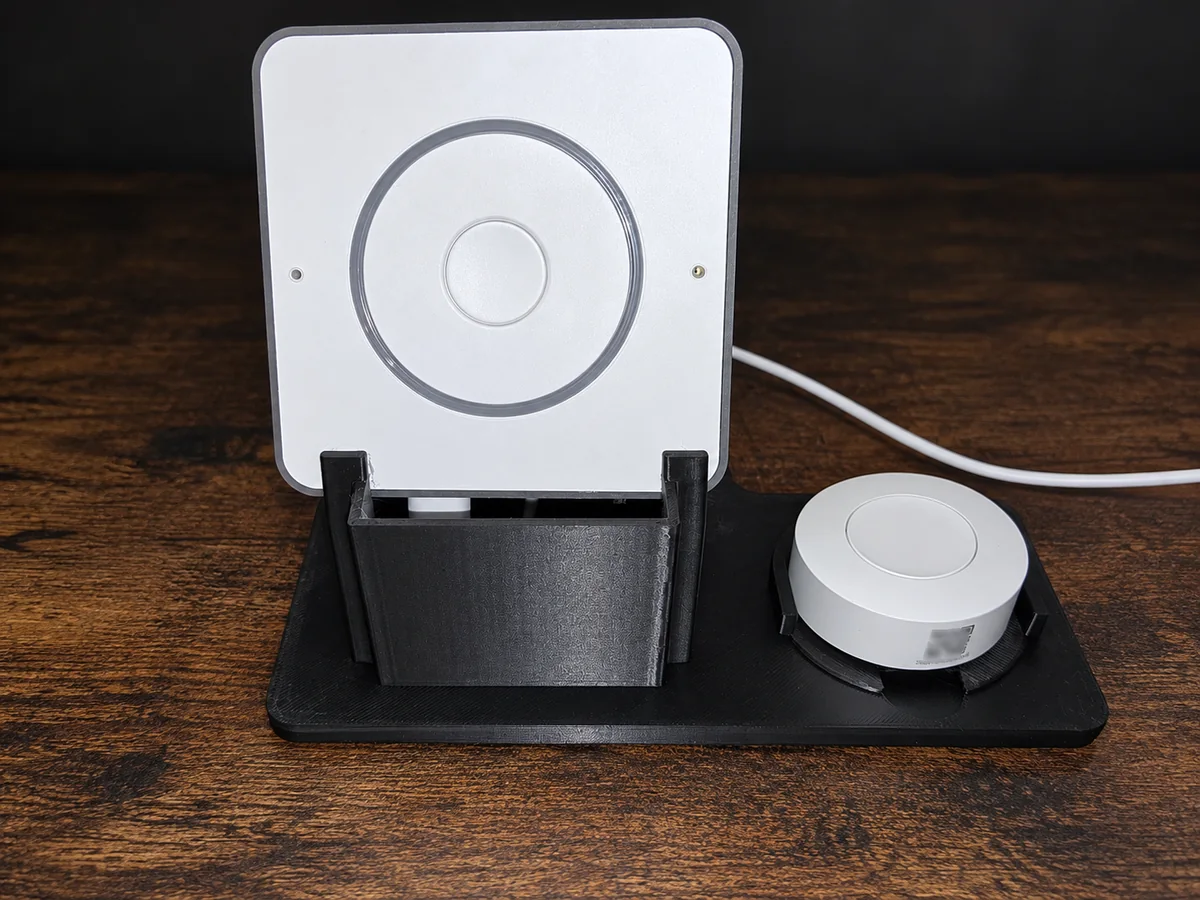
 My print, front
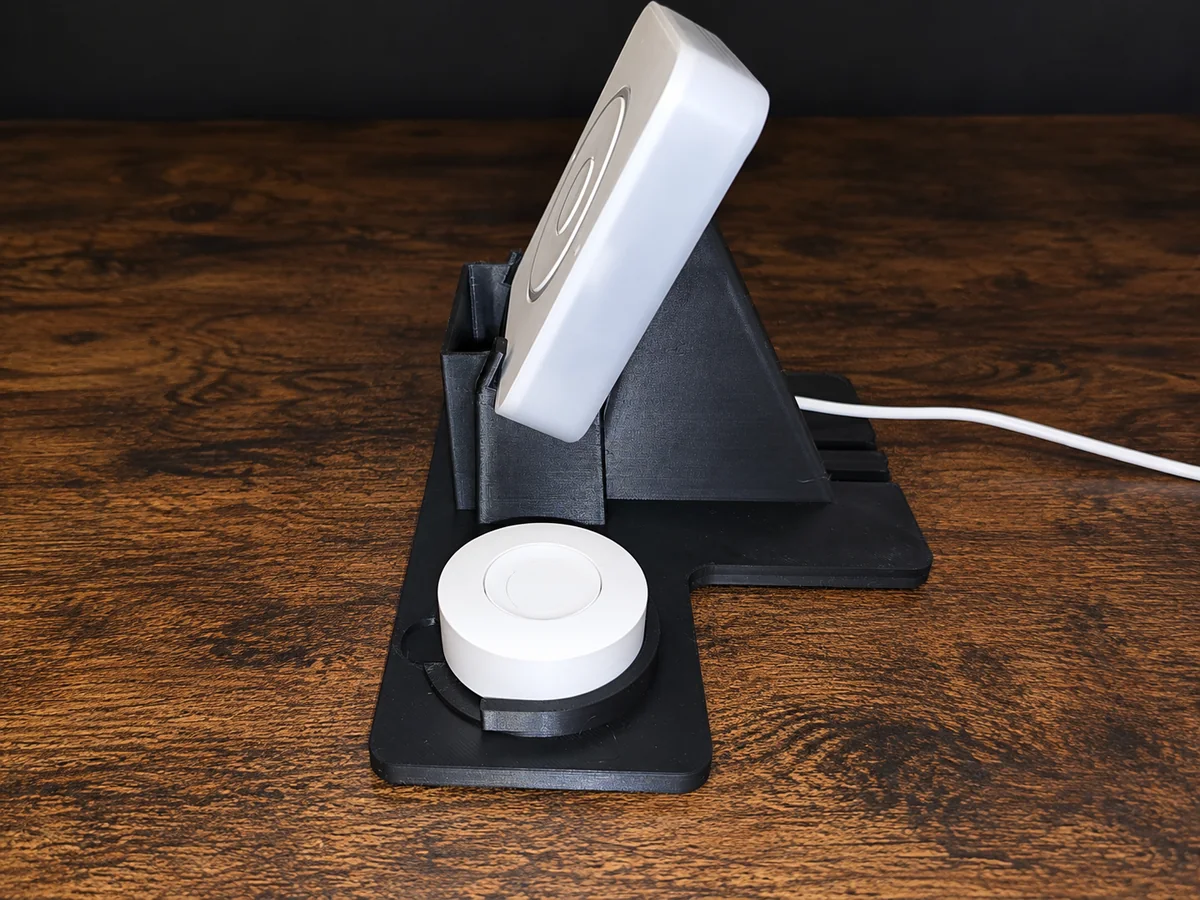 My print, side: 65 degree angle
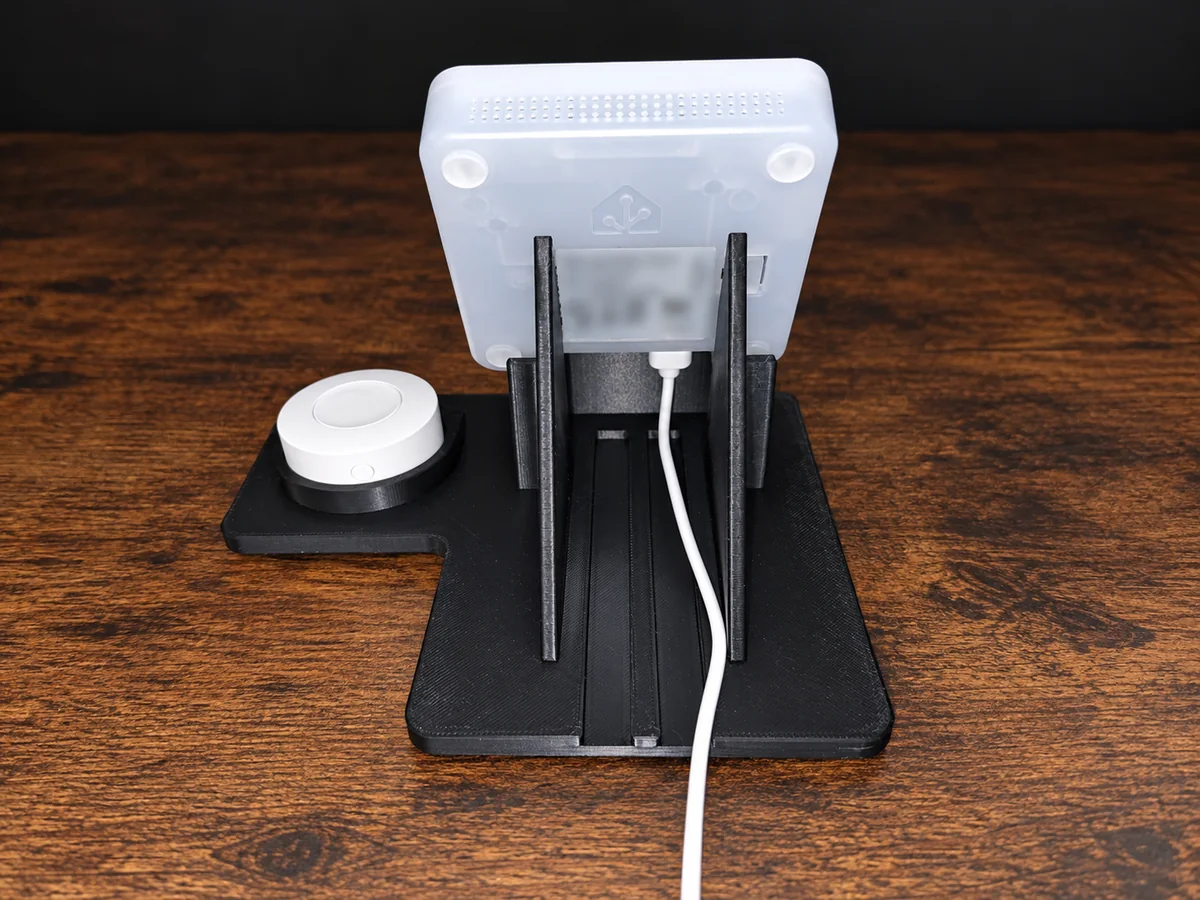 My print, back: the cable channels
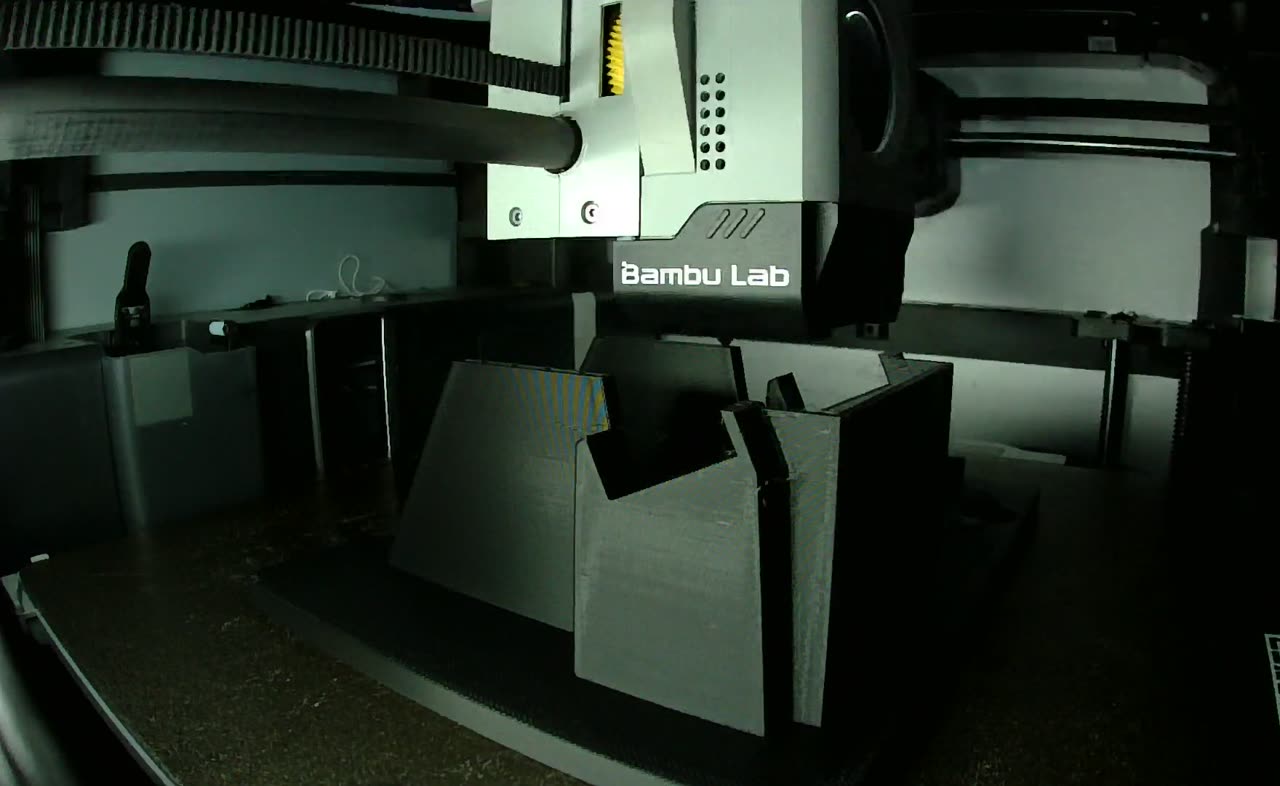 Video: it printing (time-lapse, no sound)
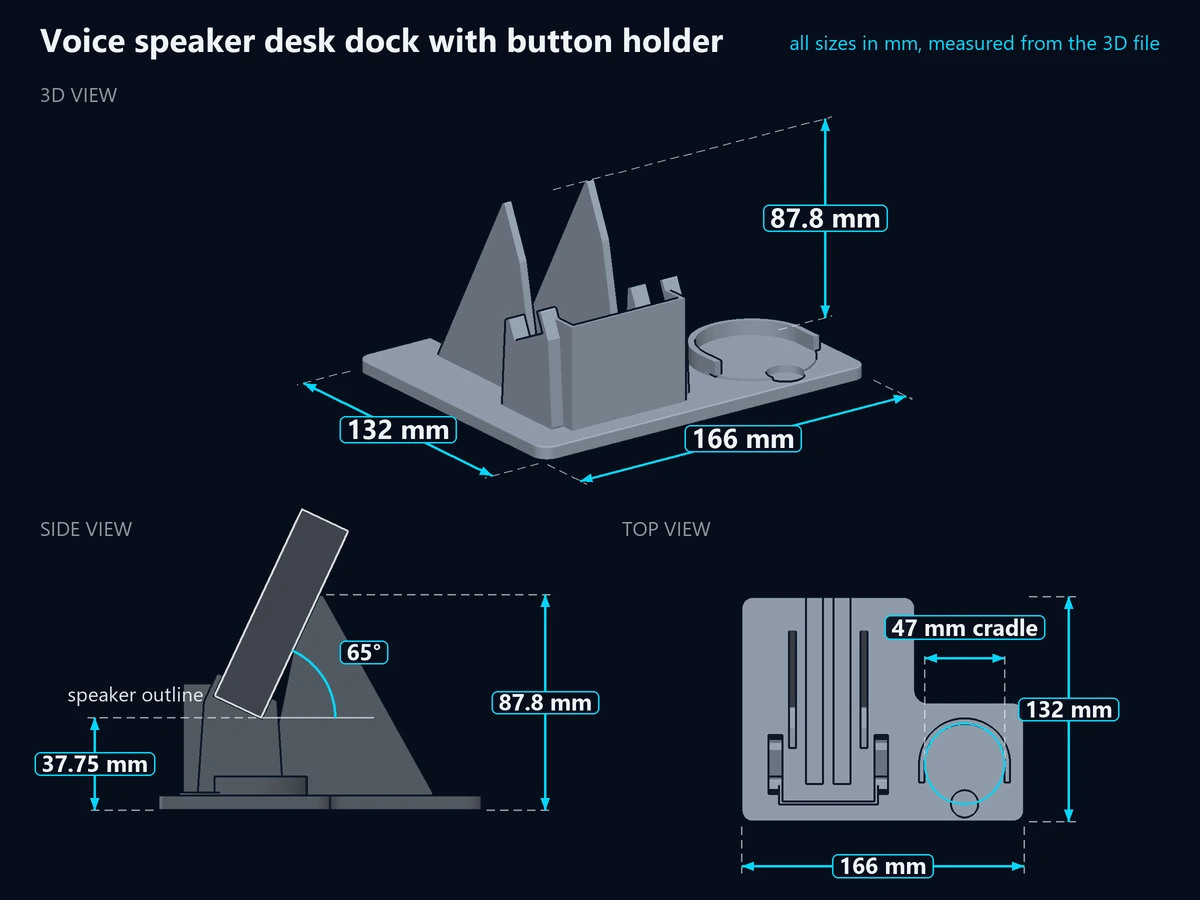 Measurements
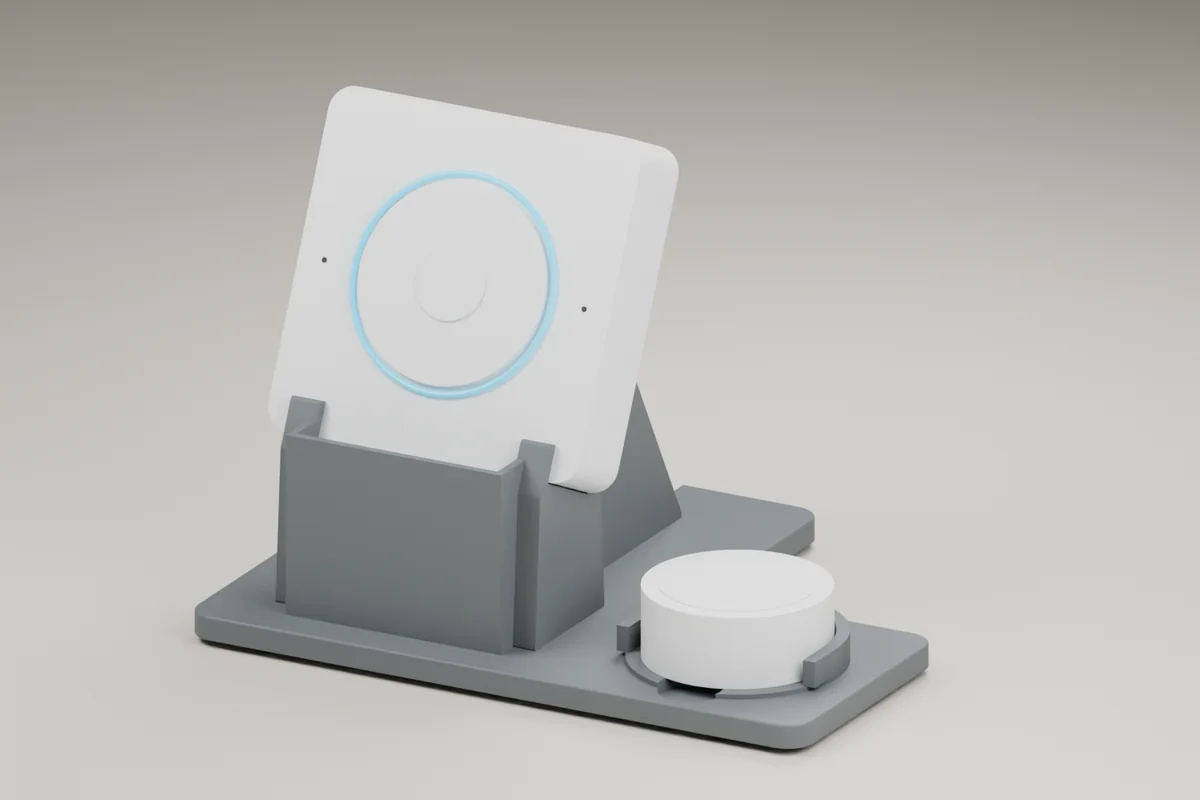 3D render
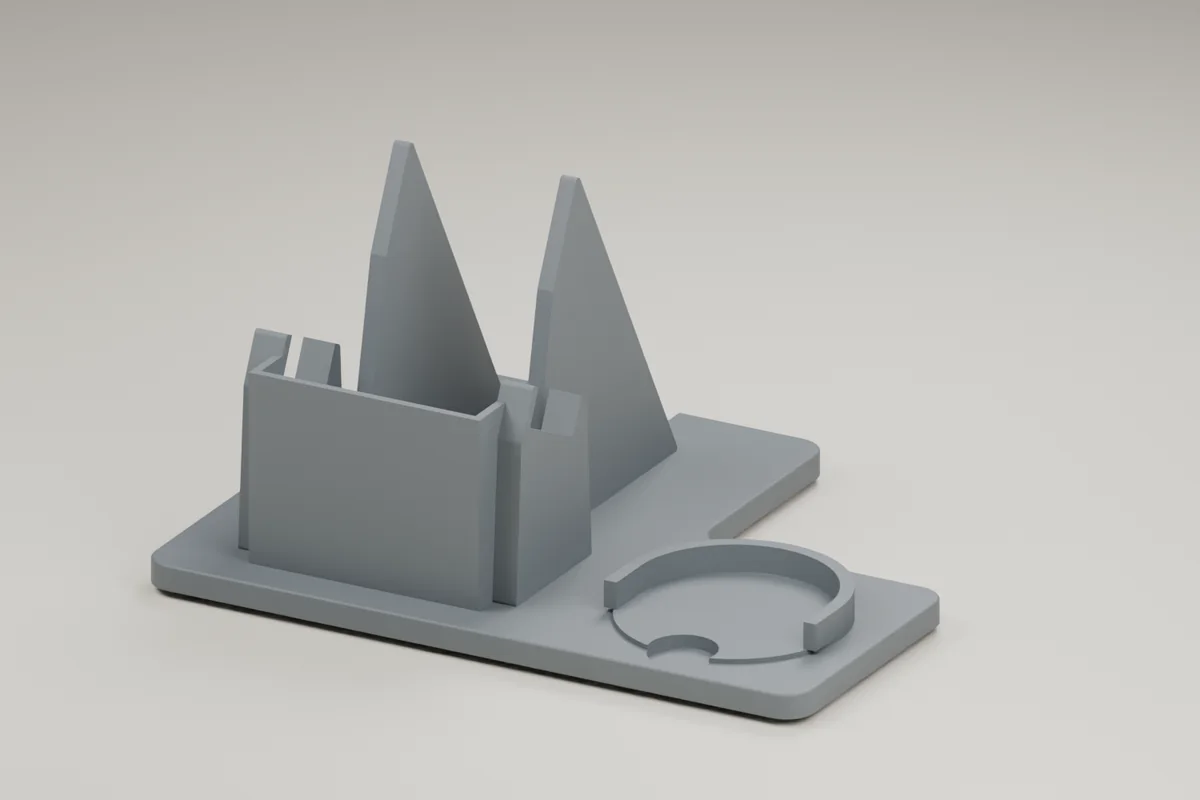 3D render, dock only
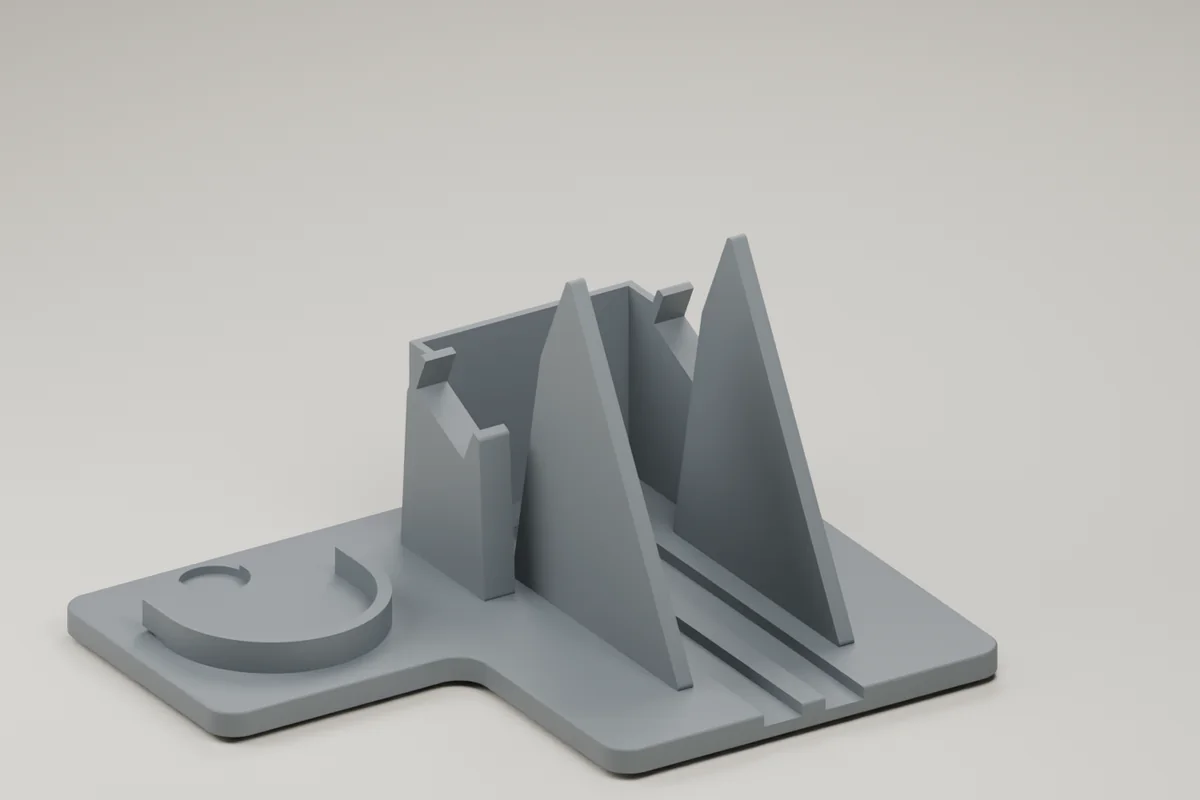 3D render, back
Photos show my own prints with the background tidied up; the grey pictures are 3D renders and drawings made from the file.
Voice Speaker Desk Dock with Button Holder (STL)
The desk dock with a cradle beside it for a round smart button, so the button is always where you left it.
US$6.99
- Instant download after you pay: a ZIP with the file, print notes and the licence
- The link is also emailed to you: if it doesn't arrive, check your junk or spam folder
- Secure checkout by Stripe; I never see your card number
- Personal-use licence: print it for yourself
- A digital file only: nothing is posted to you
About it
This is the same desk dock with a cradle beside it for a round smart button, so the button always has a place on your desk. The speaker sits behind a fixed 2 mm front cover and leans back at 65 degrees, and its power cable runs out through one of two open channels at the back.
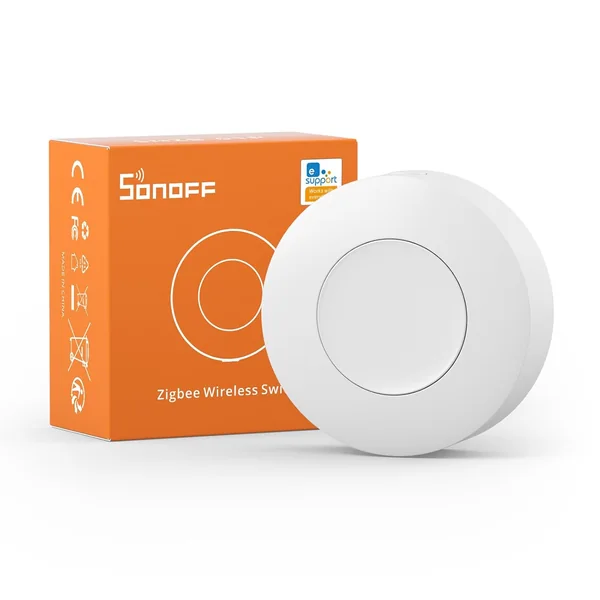
The button cradle is a 47 mm U-shaped holder with a short forward slide-out path, made for a round button 46 mm across and 18 mm thick. The button I use in mine, and the one it is built for, is the SONOFF SNZB-01P. It's the dock I use on my own desk, and it sits well and holds the speaker securely.
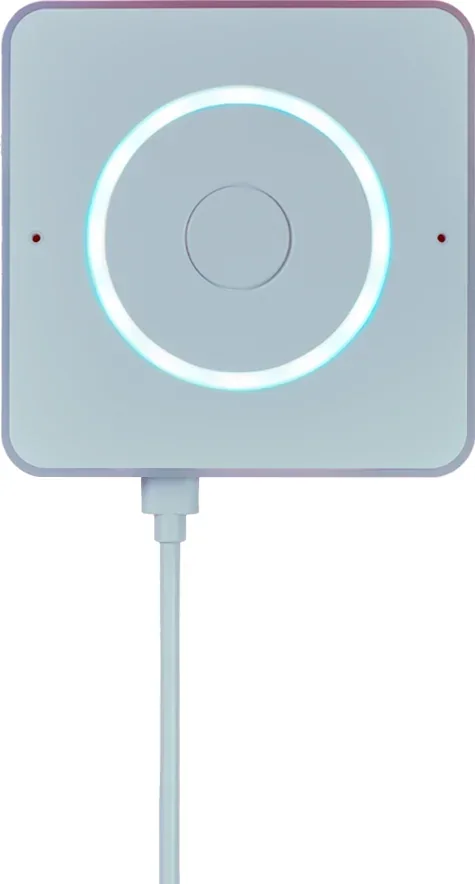
Made for the Home Assistant Voice Preview Edition (84 x 84 x 21 mm). Other square speakers of the same size should fit, but I have only tested that one, so measure yours before you print.
How it was made: I designed it with AI-assisted CAD tools, then printed it on my Bambu Lab X1 Carbon in PLA and tested it on my desk before selling it.
What it's made for
- Home Assistant Voice Preview EditionThe square 84 x 84 x 21 mm voice speaker the dock is built around. It's the one I tested it with.See the speaker →
- SONOFF SNZB-01P Zigbee buttonThe round button the cradle is built for: it's the one I use and tested, and it slides in and out of the holder. The cradle takes a round button 46 mm across and 18 mm thick.View on Amazon →
As an Amazon Associate I earn from qualifying purchases. If you buy the button through my Amazon link it costs you nothing extra. Affiliate disclosure.
How I printed it
My own print of the dock with the button holder on the Bambu Lab X1 Carbon. The time-lapse is one of the pictures above (the one with the play button).
| Printer | Bambu Lab X1 Carbon |
|---|---|
| Material | PLA |
| Supports | None: it prints without supports, no brim, no raft |
| Print time | About 3.5 hours (slicer estimate) |
| Filament used | About 100 g of PLA (slicer estimate) |
| After printing | A little fuzz on the top points of the holder; it cleaned off easily |
Times and weights come from the slicer, not from a stopwatch or a scale. Yours will vary with your printer and settings.
What you get
- 1 STL file (Voice-Speaker-Desk-Dock-with-Button-Holder.stl)
- Print notes
- Personal-use licence
The details
| Size | 166 x 132 mm base (6 mm thick, flat underside), 87.8 mm tall |
|---|---|
| Speaker angle | 65 degrees, leaning back |
| Speaker height | lowest corner of the speaker 37.75 mm above the desk (31.75 mm above the base); its lower front edge 46.6 mm |
| Button cradle | 47 mm U-shaped holder, short forward slide-out path; for a round button 46 mm across and 18 mm thick |
| Cable | two open channels at the back; fixed 2 mm front cover |
| flat side down, no supports, no brim | |
| Slicer estimate | about 3.5 hours, 100 g of PLA (not a measured time) |
| Feet | four self-adhesive bumper feet, 9 to 13 mm (not included) |
Print times and weights are slicer estimates, not measured. Bumper feet are not included.
Questions
Do I need supports?
No, it prints without supports. Print it flat side down with no supports, no brim and no raft. That is how I printed mine.
What printer do I need?
Any FDM printer with a print bed of at least 170 x 135 mm. I printed mine on a Bambu Lab X1 Carbon in PLA.
Will it fit my speaker?
It's made for a square speaker of 84 x 84 x 21 mm. I've only tested the Home Assistant Voice Preview Edition, so measure yours before you print.
Which button fits the holder?
The cradle is made for a round button 46 mm across and 18 mm thick. I use and tested the SONOFF SNZB-01P. A different round button of the same size should fit, but measure yours before you print.
Do you ship a printed one?
Not yet: this is a digital download, so you print it yourself. I'm working on posting printed docks. If you'd like one, write to contact@brianssmarthome.com and I'll tell you when they're ready.
I didn't get my email. What now?
You don't need it to get your files: the order page you land on after paying has the download button. The email is a copy of that link. New shop emails sometimes go to the junk or spam folder, so check there first, and mark it "not junk". You can also use Find my order to have the link sent again, or write to contact@brianssmarthome.com.
Can I sell prints of it?
No. It's a personal-use licence: print it for yourself or as a gift, but please don't resell the files or sell prints of them.
What if something is wrong with the file?
Write to contact@brianssmarthome.com and I'll fix it. Because it's an instant download there are no change-of-mind refunds; see the refunds page.