
The short version
- The Home Assistant Voice Preview Edition is a small US$69 speaker with a two-microphone array, a dial, a light ring and a switch that cuts power to the microphones.
- It does four things Alexa and Google can't: it can run completely local, it is fully customizable, you can talk to AI that runs at home, and you can change the voice.
- It is not a perfect Alexa replacement. It is not plug and play, it mishears me more than Google or Alexa do, and for turning on lights Google and Alexa are still faster.
- Verdict: if you run Home Assistant, like to tinker and want your voice to stay at home, it is a great desk speaker to build with. If you want an all-in-one unit that is ready to go, Google and Alexa still win.
What the Home Assistant Voice PE is
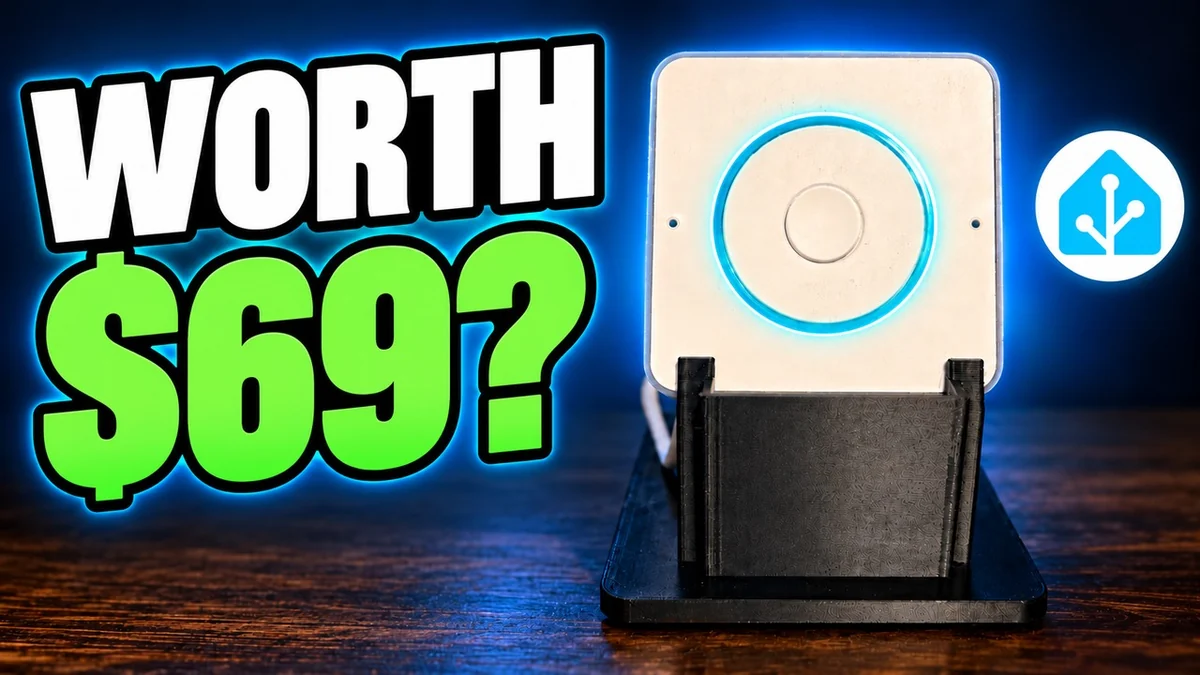
It is a small speaker with a two-microphone array, a dial, a light ring, and a switch that cuts power to the microphones. It connects to Home Assistant, so it can control anything you have set up in there.
There are three wake words to choose from: Okay Nabu, Hey Jarvis and Hey Mycroft. You can even run two at once.
I bought mine for two reasons: my voice stays at home, and Google and Alexa could not control my newer Zigbee lights without a paid Home Assistant membership. I fixed that second problem for free, and I show how in my free Nabu Casa alternative guide.
1. It can run completely local
This is the main reason people buy it. The speech recognition, the AI and the voice can all run on machines in your house, so your voice is never sent to a cloud. Not to Google, not to Amazon.
2. It is yours to customize
You choose what listens, what thinks and what talks back. For example, you can run Whisper on your own computer for speech recognition.
3. You can talk to AI that runs at home
You can have a real back-and-forth conversation with an AI that runs at home. Home Assistant lets you plug in a model on your own computer with Ollama, so it understands natural phrasing, with no subscription.
In the video I show the difference live. With the stock Home Assistant brain, the speaker heard me perfectly when I asked for the temperature in the living room, but the stock brain does not know that phrase. The fix is one setting: I pointed the speaker at the local AI running on my MacBook. After that it answered the temperature questions, and even followed up on the CO2 level and whether it was good or bad.
What I run it on
A small server runs Home Assistant, my PC handles the speech recognition and the voice, and a MacBook runs the AI. The PC has 64 GB of RAM and a 12 GB graphics card, and the MacBook has 48 GB of memory.
You don't need that much. About 8 GB runs a small AI model, and a basic mini PC handles the speech recognition.
Be honest with yourself about the setup: this is not a plug-and-play device. With Claude's help you can get it usable, but it isn't consistent at this point.
4. You can change the voice
For some people this one matters a lot. Cloud voices are limited to a few, but this speaker will use any voice you run at home. In the video you hear the stock Home Assistant voice, then the Kokoro voice I switched to, generated on my own PC. I also tried my own voice, cloned, and my wife's, who has her own clone for her channel.
It took some work to get there. My next video shows the whole process, and how to clone a voice on your own computer with free, open source software.
Where it fits, and where Alexa and Google still win
Close to you on a desk, it is genuinely useful. Across a big open room I sometimes have to repeat myself. The built-in speaker is small, but there is a line-out jack, so you can plug in a better speaker.
Most of the time I use voice to turn on lights, and for that Google and Alexa are still better. If you want an all-in-one unit that is ready to go, with better built-in microphones and speakers, they still win. I have both upgrades, and in my experience Alexa Plus is the smartest, much better than Google's Gemini upgrade, and quicker with the lights than both Google and this speaker. That is why I use both.
The technology is already really good. The hardware is the bottleneck: the microphones and the speed. It mishears me a lot more than Google or Alexa do, although they can mishear you too. But I think running your speaker locally is the way of the future.
My 3D-printed desk dock for it
I also designed a 3D-printed desk dock for it. It sits well on the desk and holds the speaker securely at an angle, and one version has a holder for a round Sonoff button. I print it on my Bambu Lab printer in PLA with no supports.
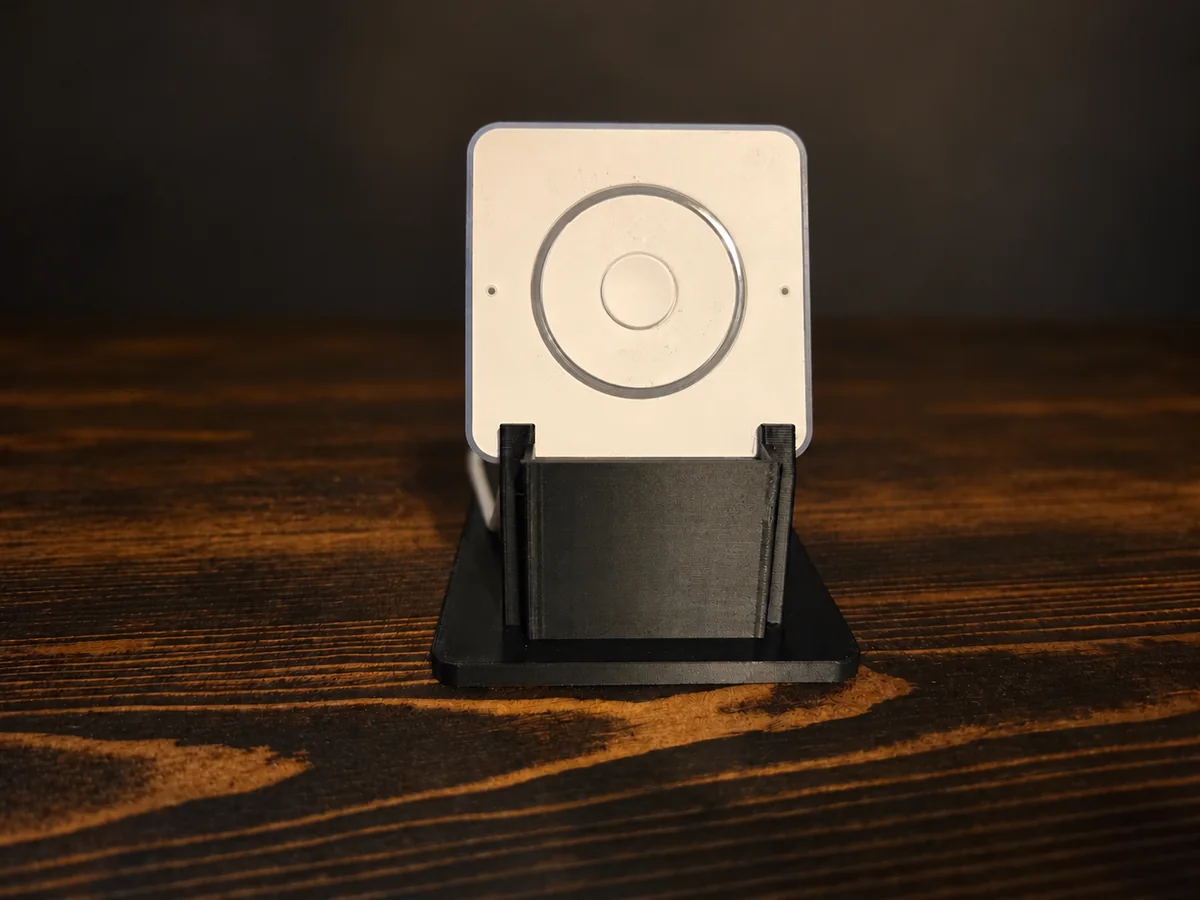
The STL files are in the shop, so you can print it yourself: Brian's Smart Home shop, from US$5.99.
Who the Voice PE is for
If you run Home Assistant, like to tinker, and want your voice to stay at home, it is a great desk speaker to build with. Private, customizable, your choice of AI, and your own voice.
If you want a device that just works out of the box, buy a Google or Alexa speaker, or do what I do and use both.
Questions people ask
Is the Home Assistant Voice Preview Edition worth it?
It depends on who you are. If you run Home Assistant, like to tinker and want your voice to stay at home, it is a great US$69 desk speaker to build with: private, customizable, your choice of AI and your own voice. If you want an all-in-one unit that is ready to go, with better built-in microphones and speakers, Google and Alexa still win.
Can the Home Assistant Voice PE work without the cloud?
Yes. The speech recognition, the AI and the voice can all run on machines in your house, so your voice is never sent to Google, Amazon or any cloud. It is not plug and play: you set that up yourself.
What hardware do I need to run Voice PE locally?
In my setup a small server runs Home Assistant, a PC handles speech recognition and the voice, and a MacBook runs the AI. You do not need that much: about 8 GB runs a small AI model, and a basic mini PC handles the speech recognition.
Can I use Ollama with the Home Assistant Voice PE?
Yes. Home Assistant lets you plug in a model that runs on your own computer with Ollama, so the speaker understands natural phrasing and you can have a back-and-forth conversation, with no subscription.
What wake words does the Voice PE have?
Three to choose from: Okay Nabu, Hey Jarvis and Hey Mycroft. You can even run two at once.
Can I change the voice of the Home Assistant Voice PE?
Yes. Cloud assistants offer a few voices, but this speaker will use any voice you run at home. I switched to the Kokoro voice generated on my own PC, and I also tried my own cloned voice.
Is the Voice PE better than Alexa or Google?
Not as an all-in-one speaker. In my experience Alexa Plus is the smartest, Google and Alexa are quicker with the lights, and the Voice PE mishears me more. Its strengths are privacy, customization, your choice of AI and your own voice.
Can I connect a better speaker to the Voice PE?
Yes. The built-in speaker is small, but the Voice PE has a line-out jack, so you can plug in a better speaker.
Links from the video
- Home Assistant Voice Preview Edition (official store)
- My desk dock: STL files to print yourself, from US$5.99
- SONOFF SNZB-01P Zigbee button (the round button my dock holder is built for)
- Bambu Lab P2S Combo with AMS 2 Pro, the closest Amazon model to my X1 Carbon
- HICTOP PEI build plate for Bambu Lab, the plate I print on
- Google Nest Speaker and Amazon Echo Show 8
- MacBook Pro 16-inch (M5 Pro, 48 GB), runs the local AI brain in the video
- My main PC, the full parts list
- All my gear