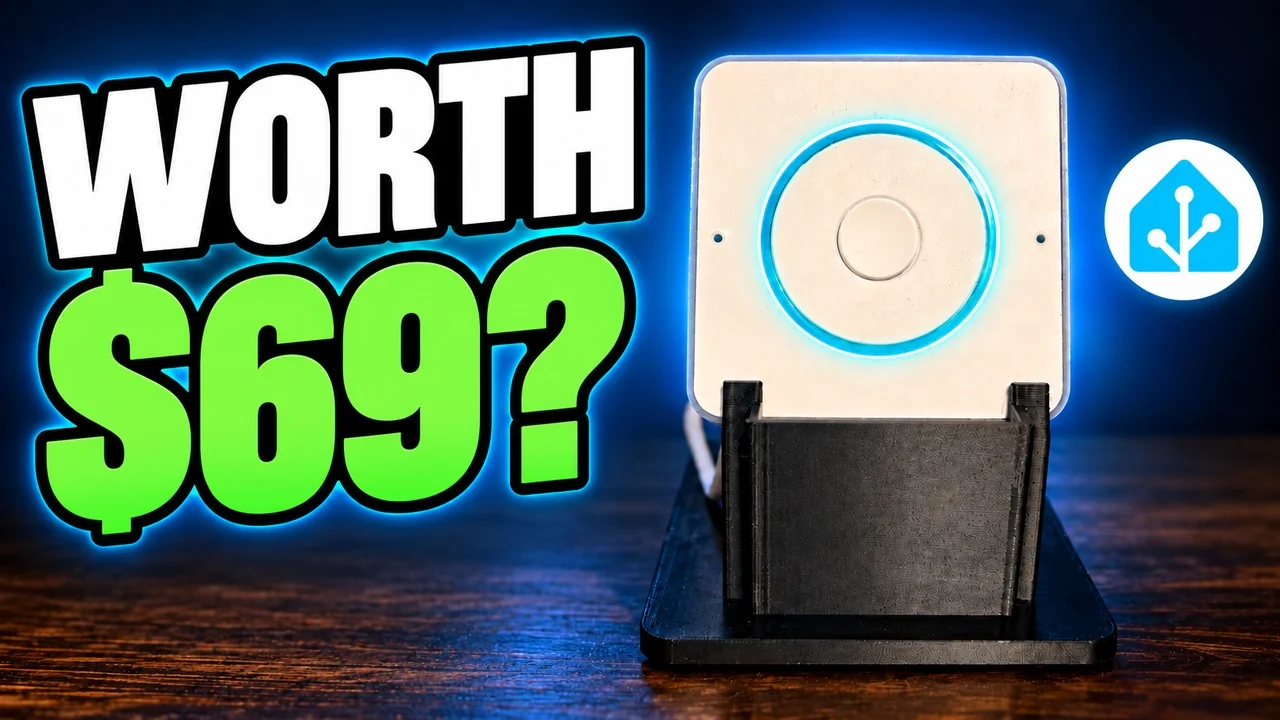
Home Assistant Voice Preview Edition review: local AI + your own voice
The $69 speaker that can run fully local with Whisper, Ollama and your own voice, where it falls short, and how it compares with Alexa and Google.
Read the review →150 smart devices, Home Assistant, Zigbee and local voice control, all tested at home. Read the guides, watch the tour, explore the house in 3D or see the gear I use.
Guides, a video tour, the house in 3D, the gear I use and a small shop. Pick what you came for.
 Read
Step-by-step Home Assistant guides and honest reviews, with the prompts and settings I used.
 Watch
Every room and every device, with the name on screen. About 10 minutes.
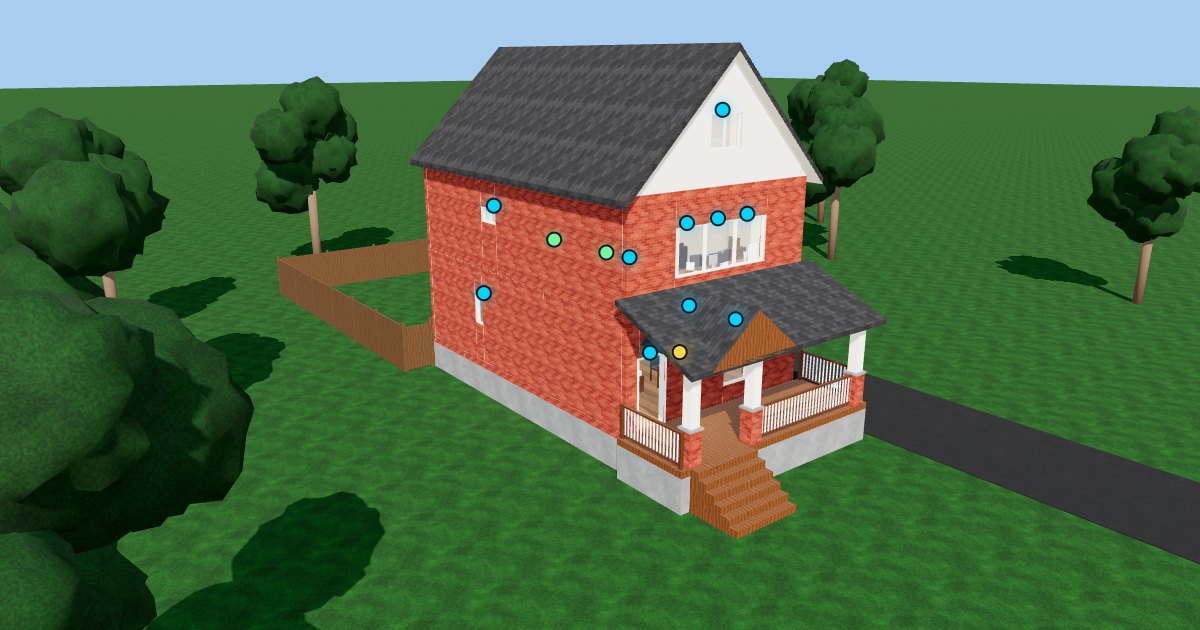 Explore
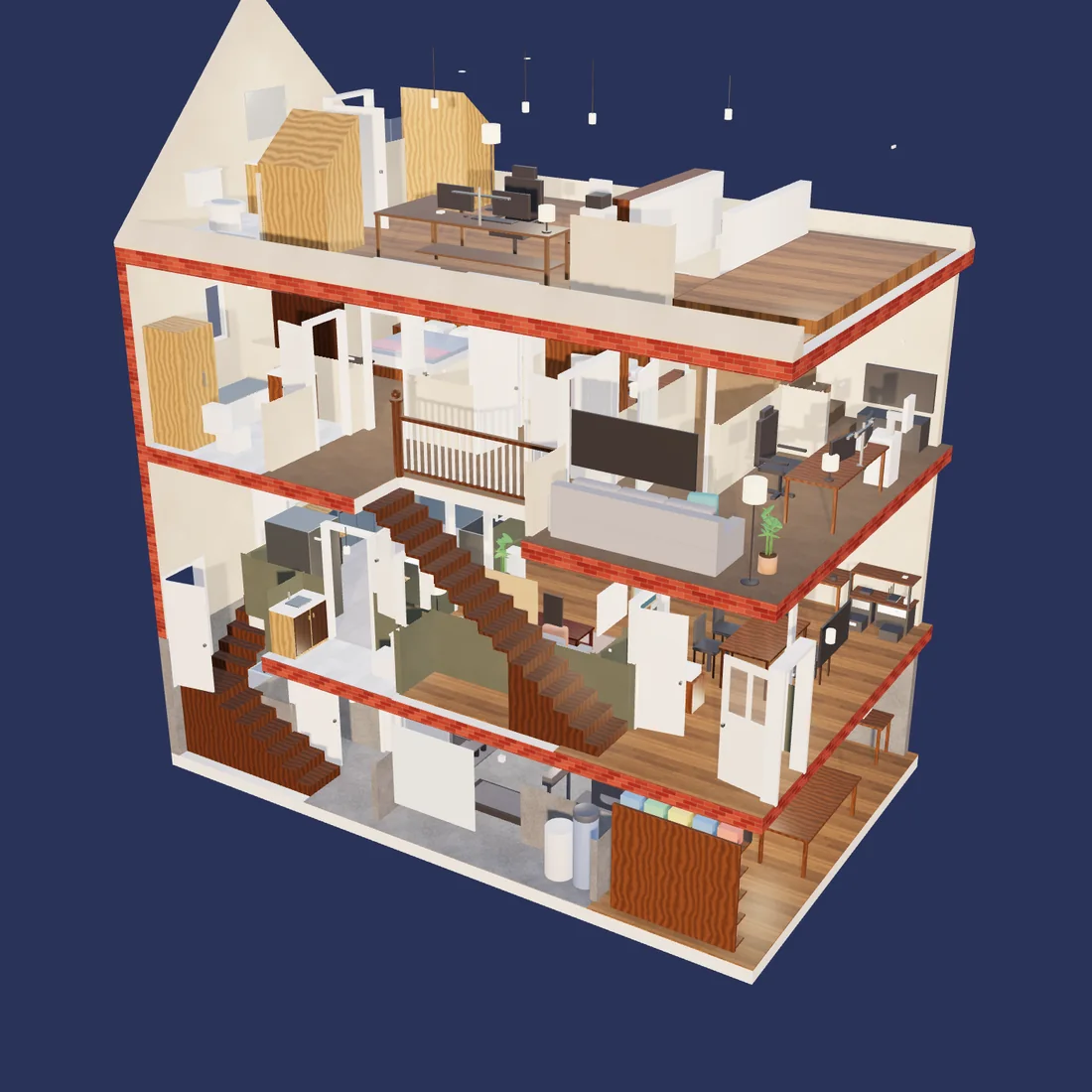
Turn the house, step into a room and tap a dot to see the device. Works on phones.
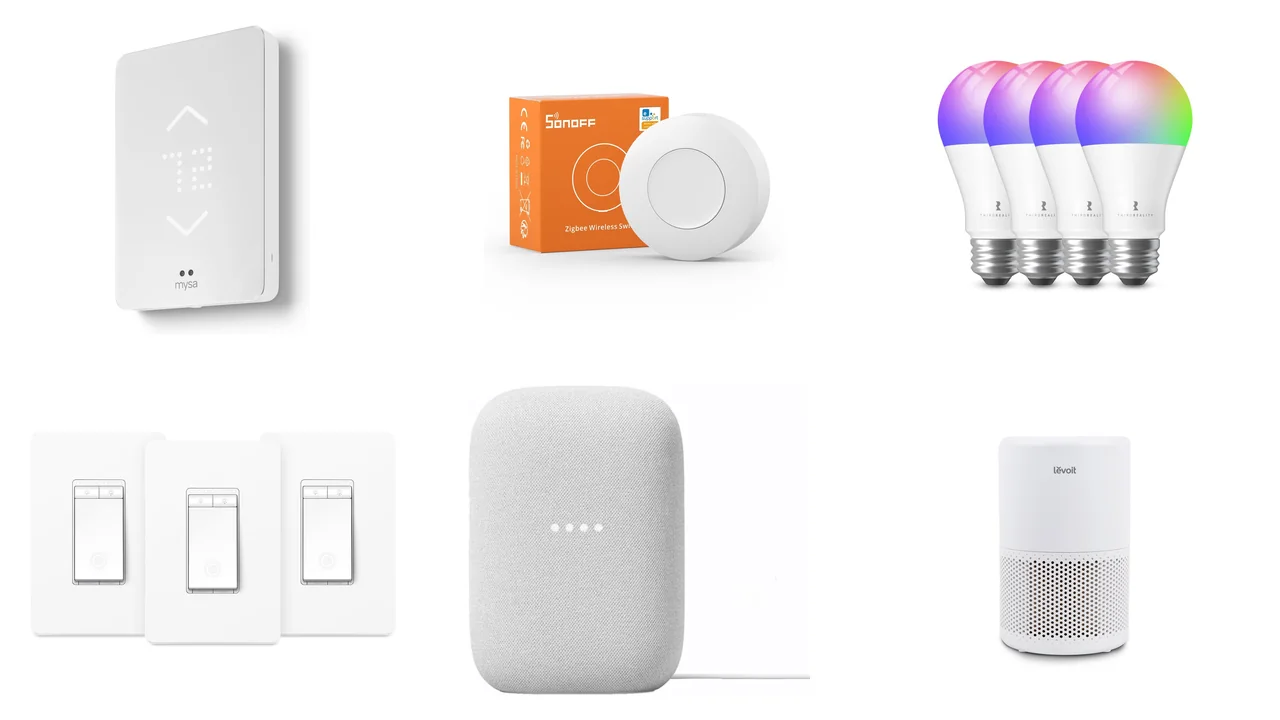 Browse
The sensors, switches, plugs, bulbs and speakers I own, with a plain-English note on each.
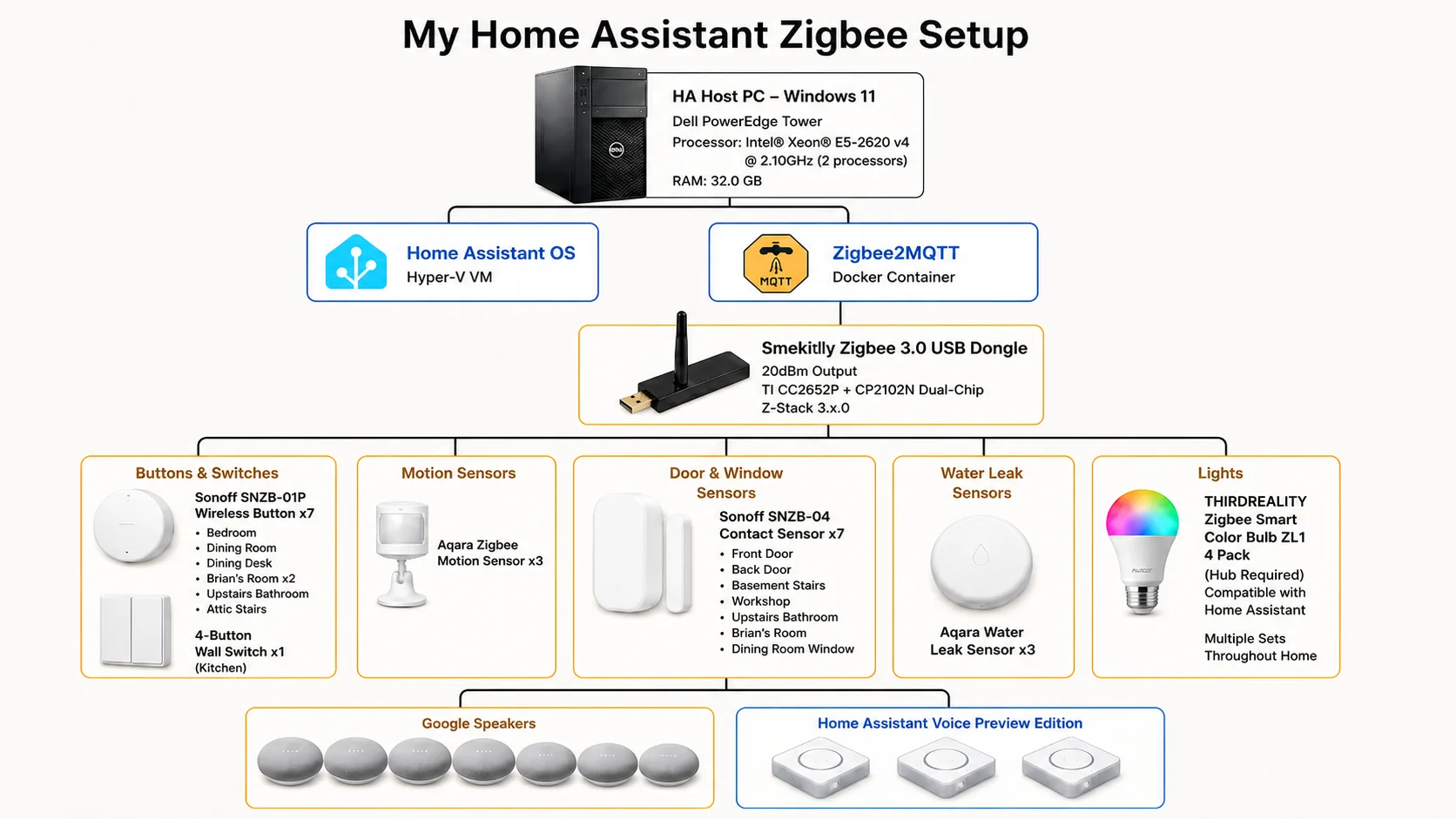 See
The server, the Zigbee mesh and the voice speakers, in diagrams you can click through.
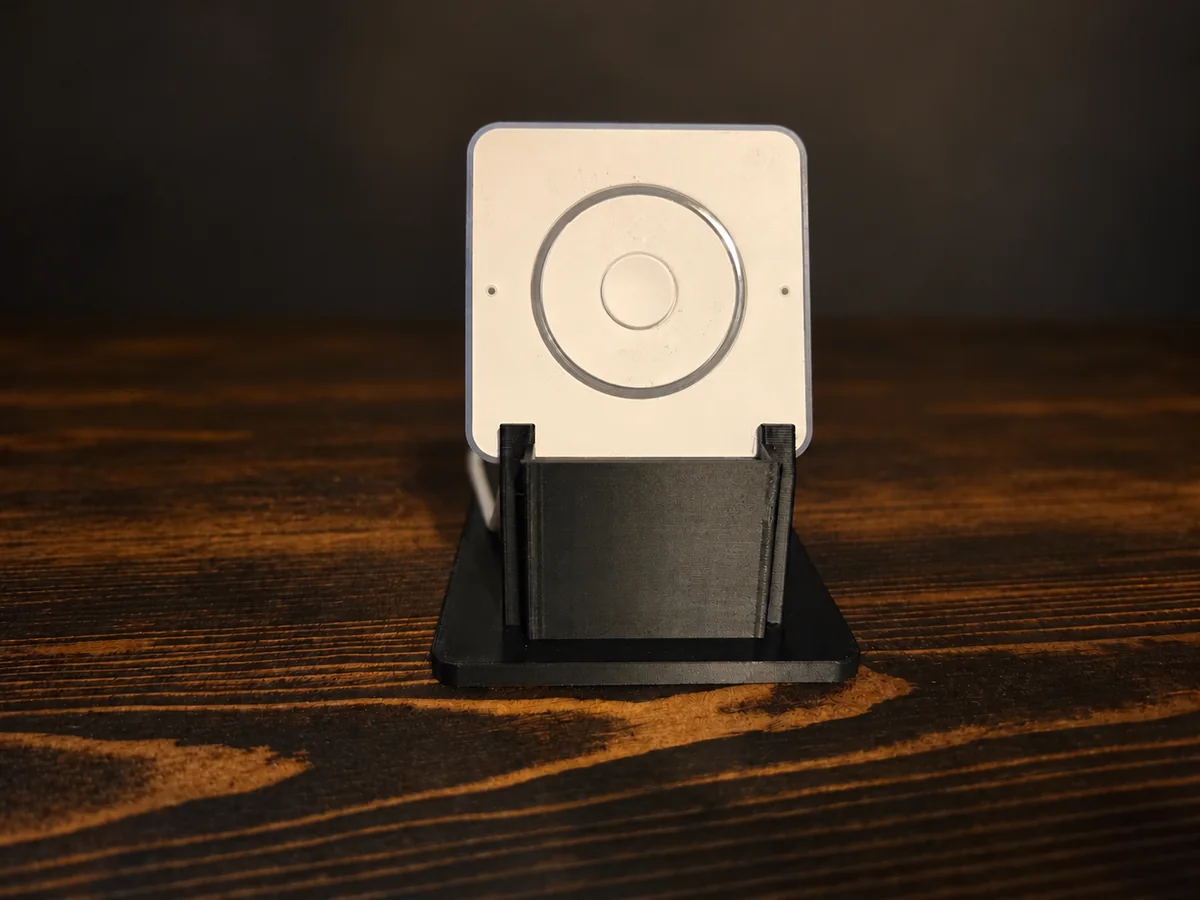 Shop
Print-at-home files for a voice speaker desk dock. Instant download.
Step-by-step Home Assistant guides, with the exact prompts and settings I used. Each one sits next to the video it goes with.
The $69 speaker that can run fully local with Whisper, Ollama and your own voice, where it falls short, and how it compares with Alexa and Google.
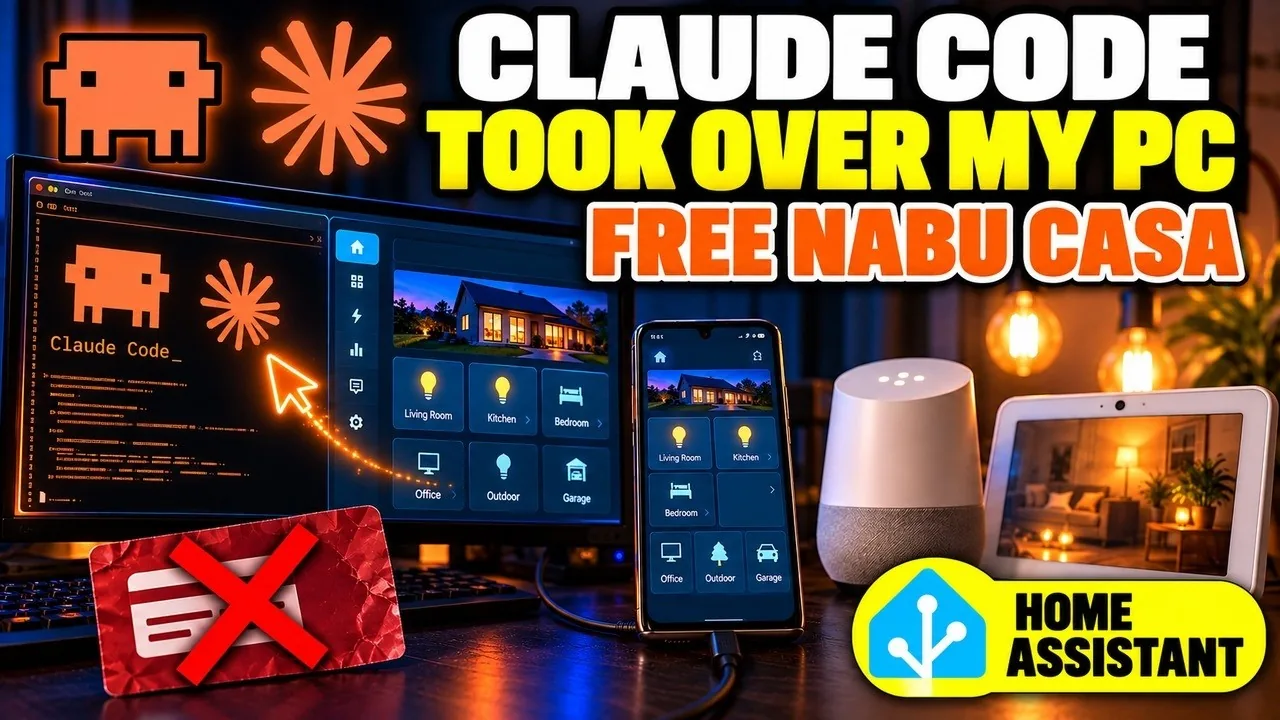
Read the review →Tailscale for remote access and Matter Hub for Google Home and Alexa, with every step and the Claude prompts I used to set it all up.
Read the guide →Turn the whole house, step into any room and tap a dot to see the smart device, with a link to its page on my gear list.
Read the guide →All guides and reviews → When Home Assistant alerts go quiet →
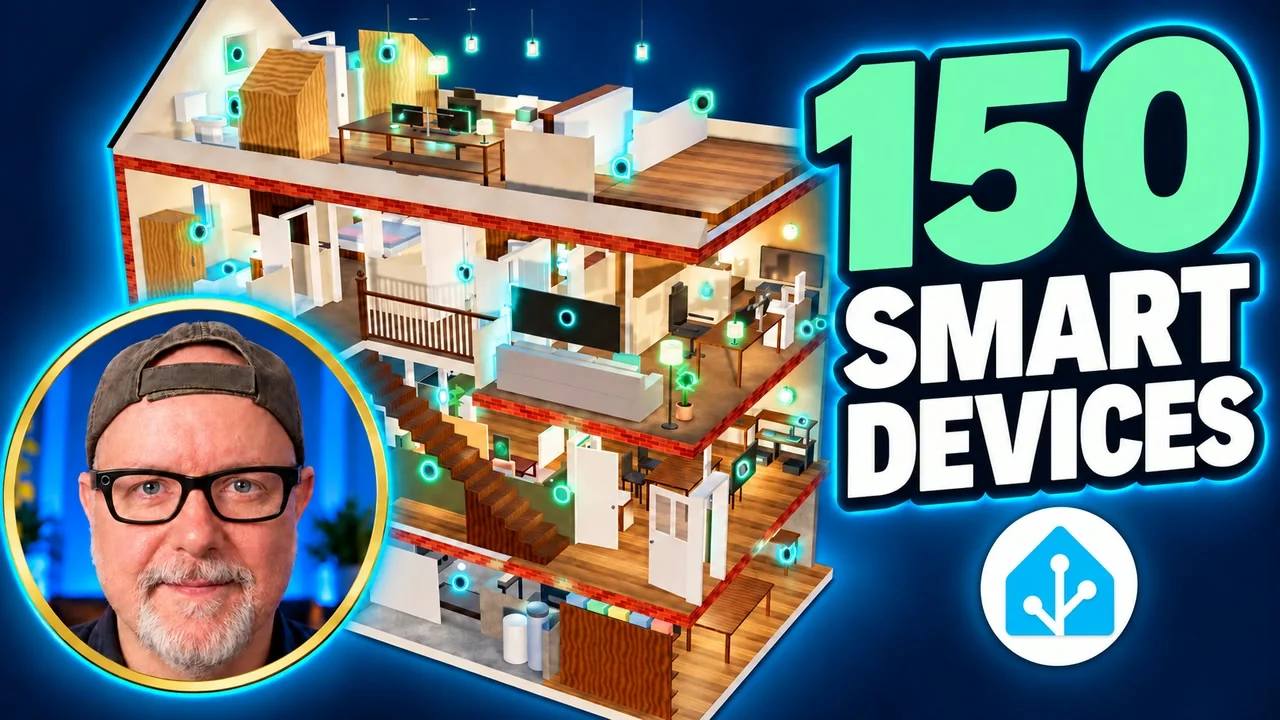
Plaster walls, ten-foot ceilings, and nothing about it was built to be smart. Home Assistant is the brain. Come inside, room by room, with every device named on screen.
The tour follows the house from the dining room, where the brain lives, up to the attic and out to the workshop. Pick a room to jump to it in the video.
Some devices are not hooked up to Home Assistant yet, and the full product reviews come next. Every product from the tour is on the gear page.
Drag to turn the house, and pinch or scroll to zoom in and out. Pick a room to see its smart devices, then tap a dot to see what it is and jump straight to it on the gear page.
Three ideas carry the whole house: one brain, a radio network made of plugs, and a few voices.
A Home Assistant server runs on a Dell workstation and controls everything. One Zigbee dongle plugged into it connects all my Zigbee devices, and two battery backups got me through three real power outages this spring.
See the setup →Smart plugs act as Zigbee routers, so every plug I add makes the network a little stronger. The signal even reaches my workshop, a separate building across the yard.
See the Zigbee mesh →Google and Alexa can't control my newer Zigbee lights unless I pay for a Home Assistant cloud membership, so I added Home Assistant Voice speakers. They're hit and miss, so a full review is coming. I kept the Google speakers for broadcasting, Google's AI and alerts.
See the speakers →The ERV was the reason I started all of this. A radon sensor in my basement has tracked the difference with the same sensor the whole time. A full breakdown of my air setup is coming in an upcoming video.
Airthings View Radon, average radon level in my basement. Before: October to early November 2025. With the ERV: November 2025 to now.
Bq/m³ — lower is better
The tour was the overview. Next I'm going through the products one at a time, with a full review of each, plus a full breakdown of my air setup. Subscribe so you don't miss them, and tell me which device to test first.
I live in a 1920 house in southern Ontario, Canada, and I've spent years making it smart without ripping out the plaster. Home Assistant runs on a spare Dell workstation, Zigbee devices fill the rooms, and a mix of Google Nest and Home Assistant Voice speakers answer to my voice.
This site is where I keep the setup, the gear and the fixes in one place — everything tested here, in the house, before I tell anyone to buy it.
I also make videos about AI experiments at Everyday AI with Brian. This channel is just for the house.